Walkthroughs & Guides

Gaming Mouse and Keyboard Buying Checks That Save Returns

Check receiver support, desk space, keyboard switch noise and the exact variant before you order.

Level Up Editors · · 1 min read

Updated 22 Nov 2026

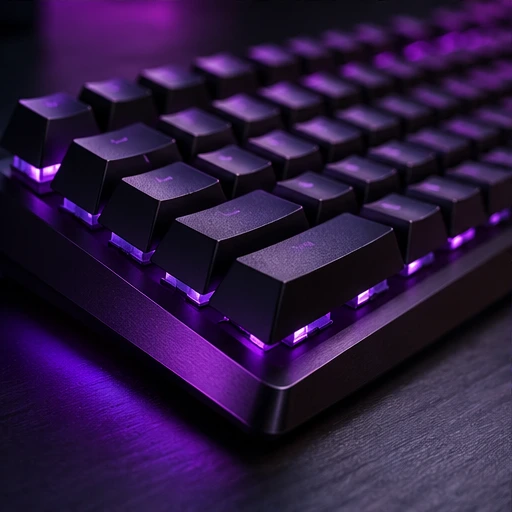
Mechanical keyboard with purple lighting
Original illustration

Check which port you need

The Logitech G304 uses a LIGHTSPEED USB receiver. If a store title mentions Bluetooth, use Logitech’s documentation to check how the mouse connects. A laptop with USB-C only may need a suitable adapter.

Choose the switch and layout

If the keyboard is for a shared room, try a clicky switch before ordering. If you use a numeric keypad for work, check how often you rely on it before switching to a tenkeyless layout.

Compare the price after those checks

Once you’ve picked a model and variant, compare the seller, warranty and delivery terms. The retailer comparison groups links by model and flags rows where the merchant price could not be confirmed.

Sources and further reading

Level Up Editors

The editorial team writes and edits coverage of games, hardware and how to get more from both.

Related articles

THE LEVEL UP NEWSLETTER

Get the good stuff.

Gaming stories, practical guides and gear advice in your inbox.

Archive · Unsubscribe

Privacy settings

Optional analytics are off by default. This preview has no external analytics provider.